Our Blog

From the studio.

Tips, inspo, and a peek behind the curtain — straight from Tiny Tiger Studio.

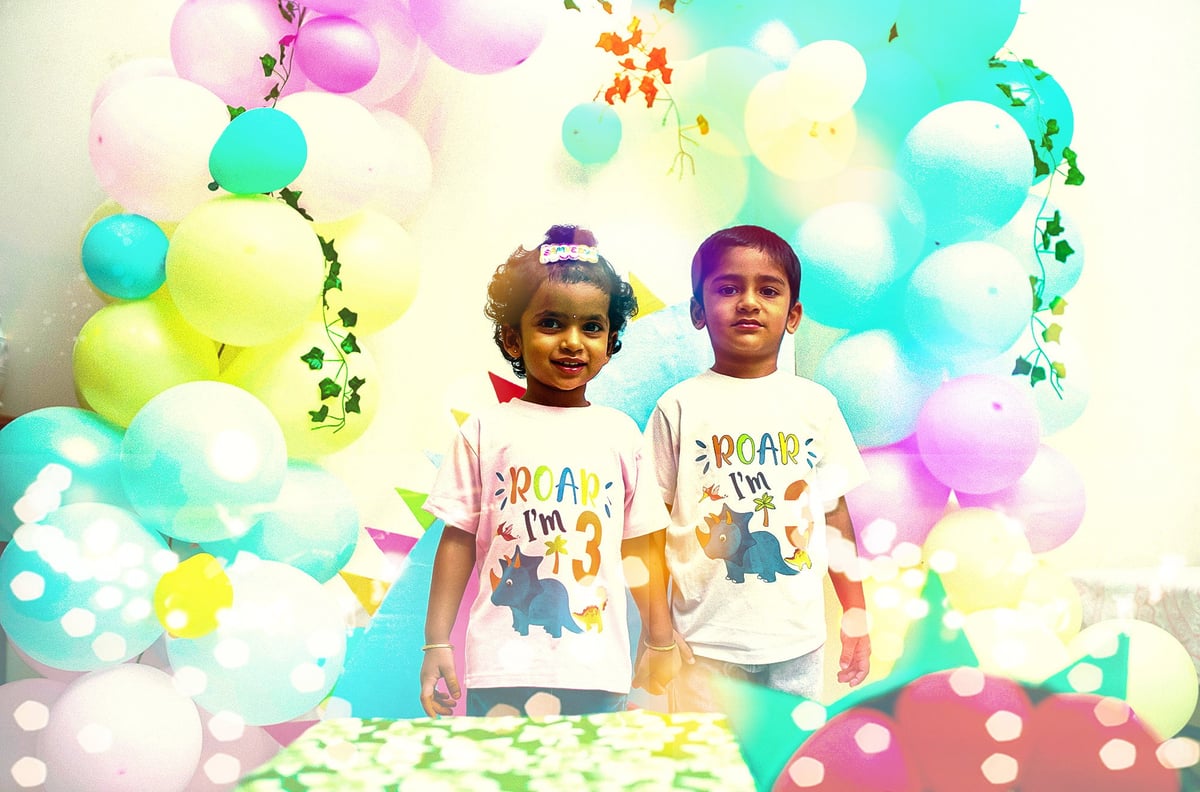
Two young children wearing matching graphic t-shirts stand in front of a colorful balloon backdrop with confetti
Tips 5 min read

How to Take Better Photos at Birthday Parties (So We Have More to Work With)

Birthday parties are fast, chaotic, and filled with moving targets. While professional photo editors can work wonders, starting with a good foundation makes the final result breathtaking.

Here is how you can capture better raw moments at your next celebration:

  • Chase natural light: Move the cake cutting near a window or outdoors. Avoid harsh overhead ceiling lights.
  • Use burst mode: Kids move fast and blow out candles in a split second. Burst mode ensures at least one sharp shot.
  • Watch the background: Quickly clear away trash, half-eaten plates, or open garbage bags before shooting.
  • Lower your angle: Get down to the children's eye level to make the photos feel immersive.
  • Keep your lens clean: Wipe your phone or camera lens to prevent foggy, greasy light flares.

Why this matters for editing

When you avoid severe blur and extreme darkness, our editing team can focus on the magic. We can easily enhance colors, swap backgrounds, remove unavoidable clutter, and make the birthday boy or girl truly pop.
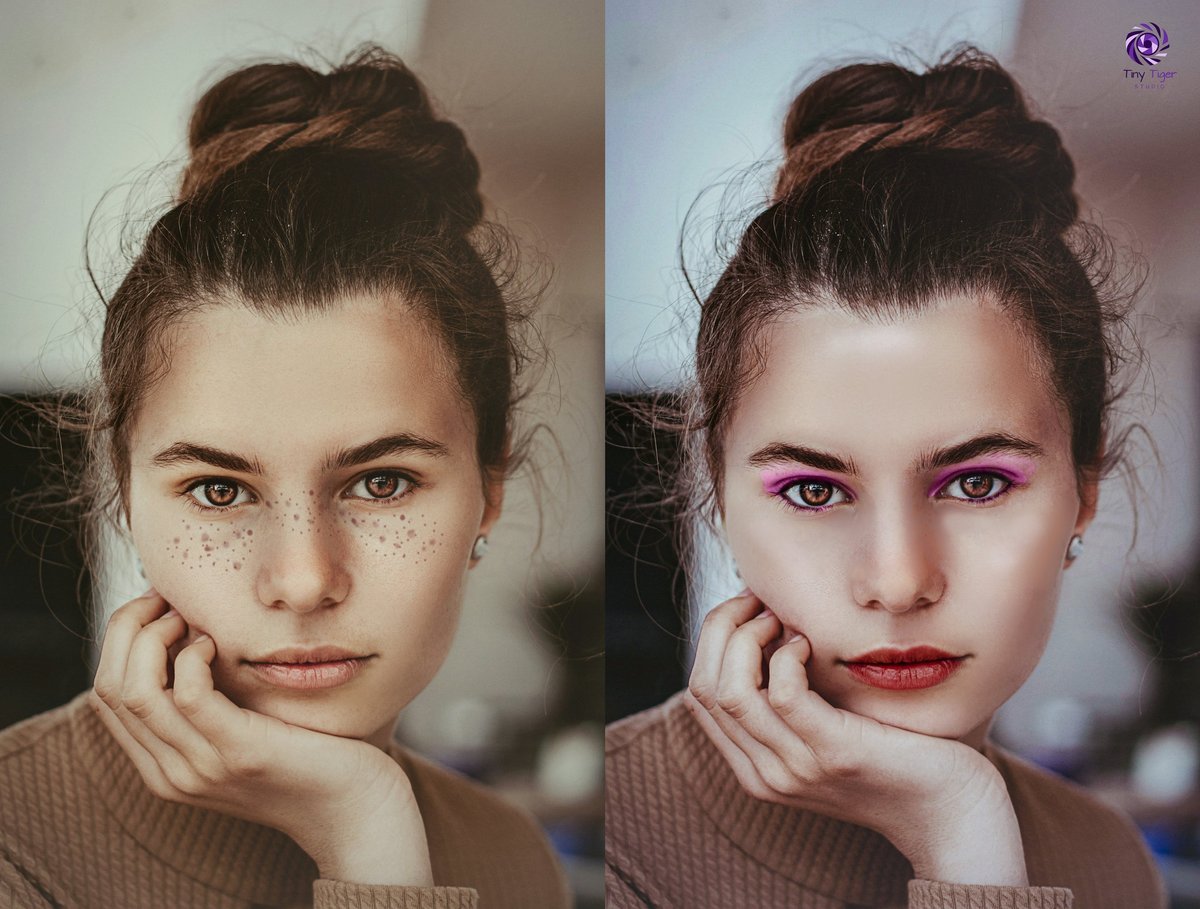
Side-by-side comparison of a womans portrait before and after digital makeup enhancement, showing natural versus enhanced beauty look
Education 4 min read

What Actually Makes a Photo Look Retouched vs. Natural — and Why It Matters

There is a thin line between a flawless photo and a plastic, unnatural fake. In professional photo editing, the goal is always "invisible perfection"—making the image look like the best possible version of reality.

Here is what separates a poorly over-processed photo from a naturally edited one:

  • Skin texture: Bad retouching blurs the skin entirely. Good retouching keeps pores visible while removing temporary blemishes.
  • Eyes and teeth: Over-whitening makes subjects look like aliens. Natural editing gently brightens eyes while retaining realistic shadows.
  • Color grading: Amateur filters distort reality. Professional color correction enhances the existing mood without changing natural skin tones.
  • Lighting and contrast: Over-edited photos lose depth and look flat. High-quality editing preserves highlights and deep shadows for a 3D effect.

Why it matters

Photos that look heavily edited lose trust. Whether it is a product for an online shop or a corporate portrait, people connect with authenticity. True professional editing enhances your image without erasing its soul.

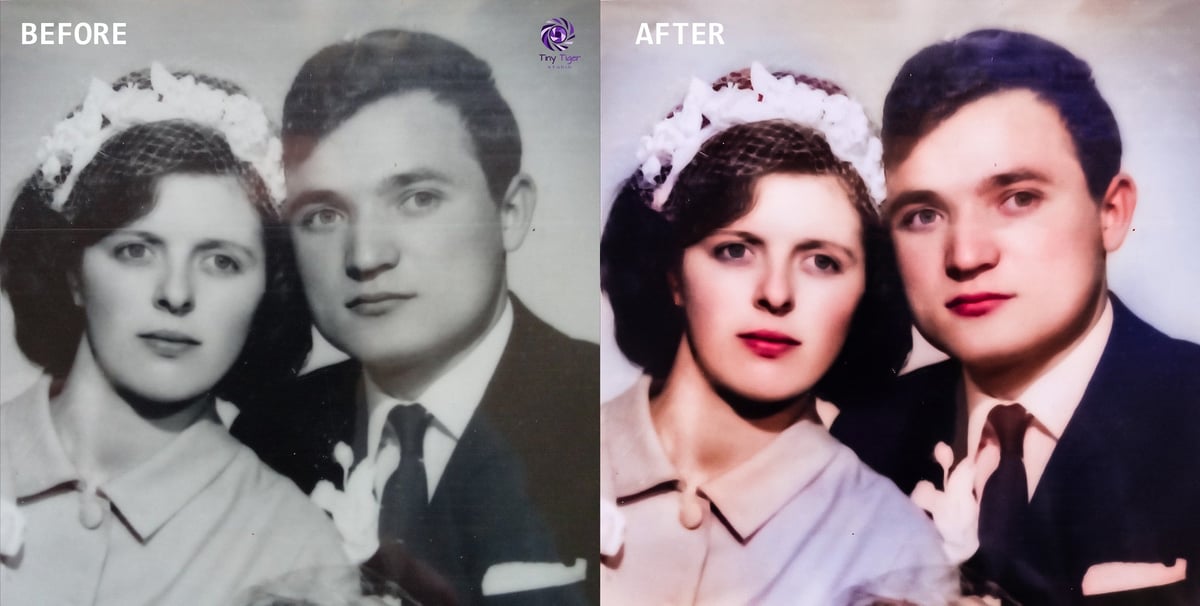
Before and after comparison of a colorized vintage portrait showing a woman and man in 1940s-style clothing and hairstyles
Before & After 6 min read

We Restored a 90-Year-Old Wedding Photo. Here's What That Looked Like.

Time is not kind to physical photographs. Recently, a client brought us a precious family heirloom: a torn, faded wedding photograph from nearly a century ago. It was damaged by moisture, cracked across the faces, and yellowed by time.

Here is the step-by-step process of how we brought this history back to life:

  • High-resolution scanning: We digitized the original print at ultra-high quality to capture every remaining detail.
  • Digital stitching: We carefully pieced together the physical tears and deep cracks using advanced cloning tools.
  • Contrast and fading repair: We restored the rich blacks and crisp whites that had faded into a dull, yellow fog.
  • Facial reconstruction: Using surrounding details and historical references, we delicately rebuilt missing parts of the faces.
  • Optional colorization: We added a subtle, historically accurate color palette to give the 90-year-old memory a modern heartbeat.

The result?

The client burst into tears. Photo restoration is more than technical editing; it is about preserving legacy and saving memories for the next 90 years.